Crown Construction case study: Two months ahead on everything the build needs next.
On a San Francisco build, Crown Construction stays roughly two months ahead on everything that has to be ordered, confirmed, and booked. Daily reminders keep inspections and fire-safety monitoring on track, walkthrough videos organize themselves into topics and replace hours of written updates, and owner check-in calls dropped by about half.
On a fast-moving build, the schedule lives or dies by what gets remembered. Milestone inspections, special inspections, and outside vendors all have to be booked ahead. Miss a window and this can cost the project weeks or months, and every extra day a project stays open runs into **thousands of dollars** of overhead.
Crown Construction wanted to be sure nothing slipped: a running record of scope, what was coming up, and what still needed to happen, with reminders that did not depend on anyone remembering to check.
Days of delay, avoided before they could start
Crown loaded the full project scope into BuildWize, turning tasks into items that were documented, tracked, and followed through with daily reminders until each was handled. Over the first fifteen weeks, BuildWize surfaced 207 suggestions and the team executed 178, including 89 schedule adjustments made before drift could compound into delay.
Inspections are the clearest example. Booked ahead, they slot neatly into the schedule. Missed, they can hold a project for days while everyone waits for the next opening, and every one of those days incurs cost.
A two-week vendor lead time, hit without a scramble
The building's fire-safety monitoring had to be run by its contracted company, who need about two weeks of notice, exactly the kind of dependency that hides until it becomes a problem. Because the requirement was logged, BuildWize ran daily alerts until the company was notified, so the work happened in sync with the rest of the project instead of a last-minute scramble.
A phone walkthrough that writes the status report
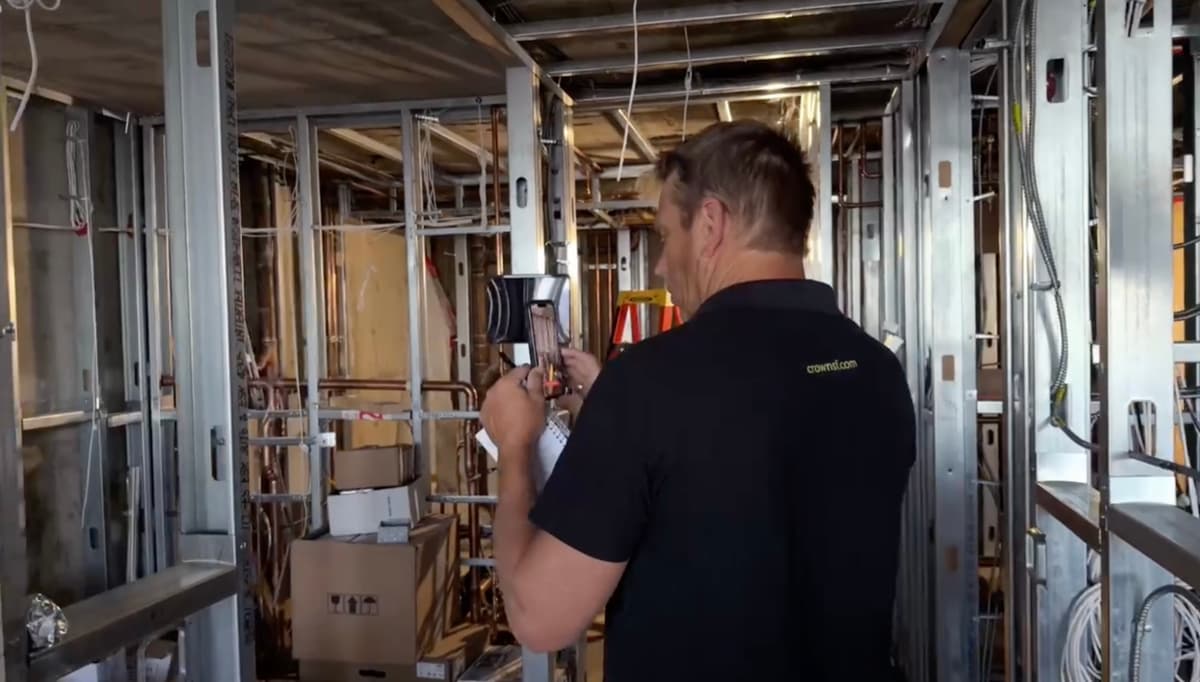
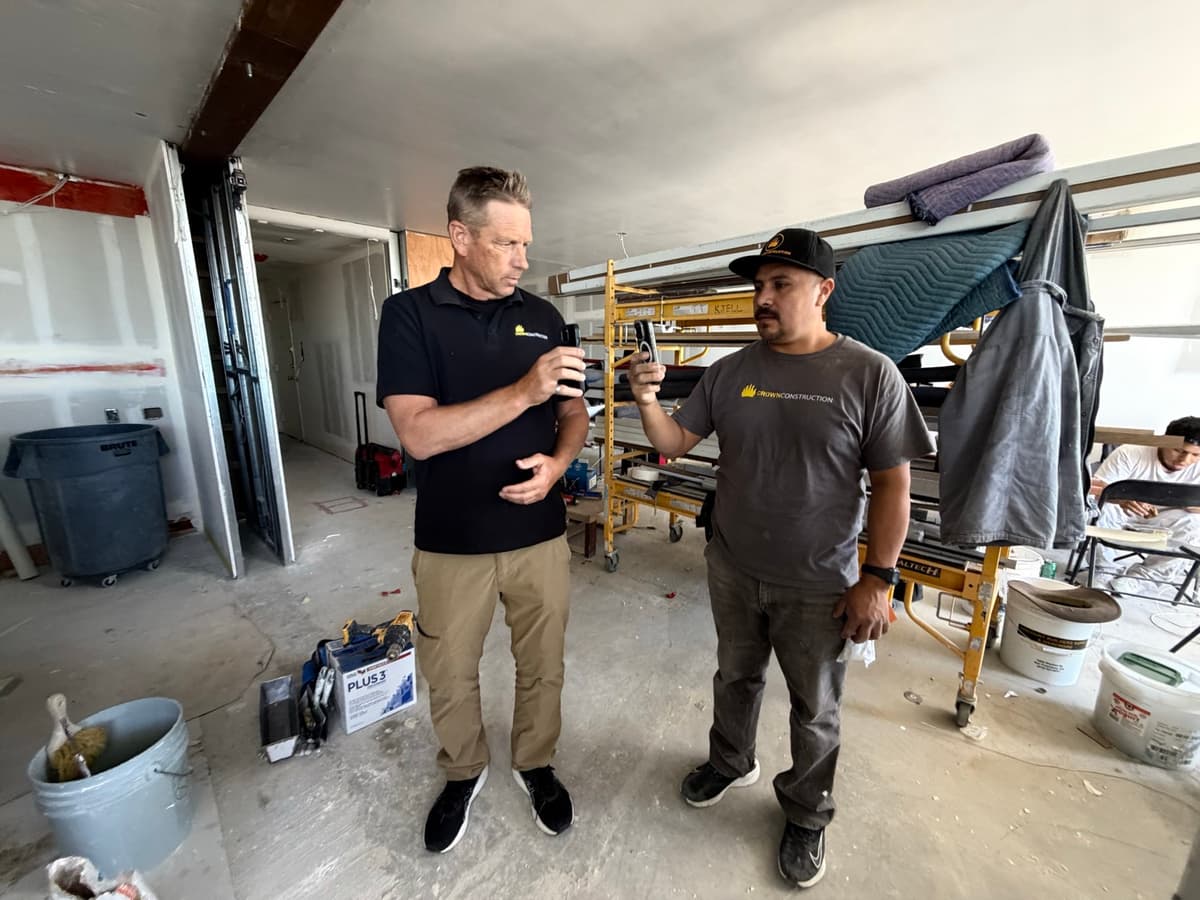
Crown's superintendents film walkthroughs on their phones and upload them with a quick QR-code scan. It takes a couple of minutes and asks for no workflow change; it is the same video the crew already shoots on site.
BuildWize does the rest. Each video is automatically split into topics and tied to the schedule, so specific conditions are easy to find and everyone can see what is done, what needs confirming, and what is next. The footage compounds into a searchable record of the whole build.
It also hands the superintendent back the part of the week they liked least. Writing up progress used to mean an hour or two parked at a computer, typing reports and emailing them around, time a builder would rather spend on site. Now the walkthrough does that for them.
A months-long door delay, caught in an email thread
BuildWize Intelligence constantly reviews the project's email and surfaces connected topics. On one thread it prompted Crown to confirm whether a door order had been placed, since doors can take a couple of months to arrive.
That reminder triggered a second, easy-to-miss detail: confirming the door hardware at the same time so the factory can machine-prep the doors. Prepping hardware on site instead adds cost for every door and adds labor at the end of a job. A single project can carry 5 to 40 doors.
A weekly compliance chore, cut to ten minutes
Cal/OSHA requires a weekly jobsite safety meeting documentation that every worker signs. Before BuildWize, the office paid for topics, printed them in English and Spanish, sent them to site for signing, then photographed and filed the sheets. It involves office admin time and the site superintendent's time to execute.
Now the superintendent pulls up a topic, sends it to the crew in English or Spanish, and workers review and sign on their phones, with everything stored for whenever it needs to be produced. A processthat used to involve office staff and most of an hour to execute, now takes about ten minutes, and adoption took seconds because everyone already knows how to sign on a phone.
Client check-in calls, down by about half
With video updates going out daily or weekly, the owner could see progress at the stages that used to prompt a call. The need for client check-ins at those points dropped by about half, freeing the team to keep building.
By the numbers
- 354 Project emails read and connected to the schedule
- 86% Of 207 surfaced suggestions executed by the team
- 89 Schedule adjustments made before drift could compound
- 788 Proactive events over 96 days
Live platform data from this build, first 15 weeks. The numbers keep growing.
The result
Past the midpoint, the team is running about **two months ahead on everything that has to be ordered, confirmed, and booked**, so the schedule never gets a chance to slip. Every protected day is a day of overhead that never gets spent, and at **thousands of dollars a day**, the math compounds quickly across a schedule that refuses to slip.
None of it came from heroics or weekend pushes. It came from running a project where nothing gets forgotten.
The same outcomes across construction industries
- Remodelers: The daily reminders that booked inspections are the same ones that keep selections and change orders from stalling an occupied-home job.
- Custom Home Builders: A months-long build's coordination stays two months ahead without anyone living in their inbox. Slips are flagged before they compound.
- General Contractors: Every superintendent ran the same walkthrough and sign-off routine, so every project starts from a consistent, documented baseline.
- Commercial & TI: Inspections, vendor notice windows, and signed safety records added up to an audit trail ready to hand a landlord or inspector on day one.
- Specialty Trades: The door-order catch is the same email-watching that flags a fixture or equipment lead time before it eats your install date.
- Owners & Developers: Video updates gave the owner answers before they had to ask. Check-in calls fell by about half.
If you want to reduce the time spent tracking information, updating schedules, and making sure details and important deadlines are not forgotten during your project, BuildWize can save you time and money. Ross McKenna, Principal, Crown Construction.
Frequently asked questions
- How far ahead does BuildWize keep Crown Construction's San Francisco renovation?
- About two months ahead on everything that has to be ordered, confirmed, and booked. Inspections, vendor notice windows, and long-lead orders are handled well before the crew reaches them, which keeps the physical schedule from slipping and saves overhead that can run into thousands of dollars a day.
- How does BuildWize help a construction project avoid falling behind schedule?
- It stays about two months ahead on the coordination around the build, ordering, confirming, and tracking every inspection, vendor, and long-lead item, so nothing is remembered late. Slips are flagged before they compound into delay.
- How does BuildWize keep construction inspections and vendor deadlines from slipping?
- Crown loaded the full project scope into BuildWize, which turns requirements into tracked items with daily reminders. Over the first 15 weeks it surfaced 207 suggestions, the team executed 178, and 89 schedule adjustments were made before drift could compound into delay.
- How much did BuildWize reduce owner check-in calls?
- Steady video updates let the owner see progress at the stages that used to prompt a call, cutting owner check-in calls by about half.
- How does BuildWize turn jobsite video into project documentation?
- Superintendents film phone walkthroughs and upload them with a QR-code scan in a couple of minutes. BuildWize splits each video into topics tied to the schedule, replacing the hour or two of written reporting a superintendent used to spend each week.
- How did BuildWize speed up the weekly Cal/OSHA safety sign-off?
- The superintendent sends the weekly safety topic to the crew in English or Spanish and workers review and sign on their phones. A chore that used to take most of an hour now takes about ten minutes.
- How does BuildWize catch long-lead-time items like door orders?
- BuildWize Intelligence reviews the project's email and connects topics back to the schedule. On one thread it prompted Crown to confirm a door order and its hardware spec, items that can take a couple of months to arrive, before the delay could cost real money.