The Information Chokepoint: Why Small GCs Cap Out at 8 Jobs
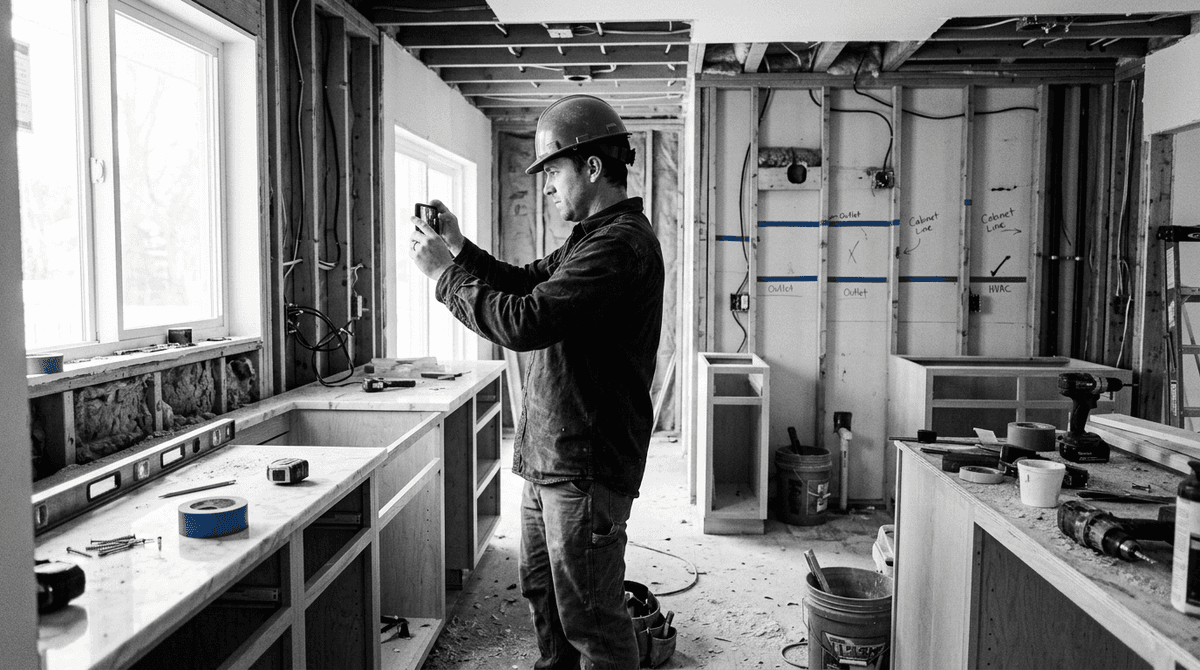
You're sitting in the truck between jobsites, phone in hand, and you need a straight answer fast. General contractors running three to eight active projects lose hours every week hunting through emails, texts, spreadsheets, and photo rolls for the one fact that decides whether to push a sub, release a payment, or call an inspector. The information exists. It's just scattered everywhere. This is how the mess starts, why it caps how many jobs you can run, and how BuildWize turns the work you already do into an organized project record that surfaces answers before you have to go digging.
Why information is the choke point for small contractors
If you run a small to mid-size general contracting business, you know the feeling. It's 6:45 AM, you're in your truck with a coffee, and before a single boot hits the site you're already scrolling three email threads, two group texts, a voicemail from your sub, and a spreadsheet you updated at midnight. The information you need to make today's calls exists. It's just buried across a dozen places.
That scattershot reality isn't a minor annoyance. It's the single biggest thing holding your business back. Construction professionals manage an average of 315 separate information sources every week across emails, texts, daily reports, and meeting notes, according to the International Council for Research and Innovation in Building and Construction. Firms commonly juggle six to fourteen different software tools that don't talk to each other, creating isolated data islands that force constant manual re-entry, per Houzz Pro.
The cost is real. Contractors lose an average of six to ten hours per week on admin like chasing documents and reconciling spreadsheets, reports Payapps. And the drag doesn't stop at your own payroll. Per Rabbet, 82% of contractors now face payment delays over 30 days, a problem costing the U.S. construction industry an estimated $280 billion annually. Much of that delay isn't a dispute over the work. It's not having the right document, the right lien waiver, or the right pay-app detail on hand when the owner or lender asks. The bottleneck is finding information, not making decisions.
This is exactly why so many capable GCs top out at five to eight active projects. It isn't a lack of talent. The owner is usually the estimator, the project manager, and the main point of contact for every client and sub at the same time. Without standardized systems, the admin overhead grows with every new job until you hit a ceiling. You can't add jobs because you can't find, organize, and act on information fast enough to keep more plates spinning.
Here's the part most software gets wrong: another dashboard isn't the answer. Most contractors already have dashboards they barely open. The problem isn't seeing data in colorful charts. It's getting the right answer to the right question at the moment you need it, without having to assemble it yourself. That means the tool has to do the organizing for you, quietly, from the work you're already doing.
What BuildWize actually does
BuildWize is the AI brain for construction: scheduling, video documentation, and client communication for general and trade contractors. It layers on top of how you already work, with no workflow change, and it runs on any smartphone through the phone's browser. No special hardware, no drones, no dedicated cameras.
The core idea is simple. Instead of asking you to log every detail into yet another system, BuildWize captures the work you're already doing and turns it into an organized project record. You film a walkthrough on your phone the way you always have. You forward a project email the way you always have. BuildWize handles the filing, the summarizing, and the flagging behind the scenes, then pushes the right information back to you when it matters.
Here's what that looks like across the four things that eat your week:
- AI scheduling. Generate a trade-specific milestone plan (activities, dependencies, and risk assessments) in under two minutes, for framers, electricians, plumbers, HVAC, cabinet installers, finish carpenters, or a full GC scope.
- AI video documentation. Film a walkthrough on any phone. BuildWize watches the footage, recognizes the work, and automatically names and files it based on what it sees. Object detection tracks what's installed, what's missing, and what's at risk.
- Email that files itself. Forward project emails to your BuildWize address. It groups the threads, summarizes the decisions, auto-files the attachments as project documents, and links everything back to the right milestone.
- Briefings and alerts. A 6 AM daily briefing, a Monday weekly digest, and deadline alerts before things slip, so the day's priorities are waiting for you instead of hiding in your inbox.
All of it feeds one living project record: forwarded emails, uploaded documents, and walkthrough videos stitched into a single account of the job, with no manual data entry.
The one rule: nothing changes without your approval
BuildWize doesn't act on its own. It analyzes your milestones, emails, comments, and documents together, then proposes specific actions as accept or reject cards: add a task, move a date, flag a risk. You tap once to approve or reject. Nothing changes on the schedule, and no client sees anything, until you say so.
This matters in construction more than almost anywhere. A wrong number on a change order or a missed submittal deadline costs real money. So BuildWize does the legwork of gathering, organizing, and drafting, and you make the call. The system surfaces the recommendation with the context behind it; your judgment stays in charge. That's the whole point, and it's the difference between a tool that creates work and one that removes it.
A day in the life on the job
Picture a Tuesday for Mike, a GC owner running three active projects across town. Before BuildWize, his day started with a stack of unanswered texts, a voicemail from a frustrated owner, and a knot in his stomach about which fire to fight first. Now the work he's already doing keeps the record current for him.
6:15 AM, the truck. Mike opens his phone to the BuildWize morning briefing. Elm Street framing is on track with a two-day buffer before drywall. Oak Park has a deadline alert: a failed rough-in electrical inspection from Friday hasn't been rescheduled. He calls his electrician to book the re-inspection before the crew even clocks in. What used to take three phone calls and twenty minutes of waiting was sitting on his screen at 6:15.
9:45 AM, the owner call he used to dread. The Elm Street owner calls wanting a progress update. In the old days Mike would promise to "get back to you this afternoon," then lose an hour digging. This time he'd filmed a walkthrough the day before. BuildWize had already recognized the work, filed it against the framing milestone, and made it viewable in the client portal. He points the owner there to watch it themselves. That kind of responsiveness builds trust and wins referrals, and it replaced an hour of admin with a two-minute conversation.
12:15 PM, from the taco truck. A batch of project emails piled up over the morning: a sub confirming a delivery date, the architect answering a question about a tile substitution, an invoice from the concrete supplier. Mike forwards the thread to BuildWize. It groups the messages, summarizes the decision on the tile, files the invoice as a project document, and links it to the right milestone. No re-typing, no lost attachment, no "which email was that in again" at 9 PM.
2:30 PM, killing phone tag. BuildWize surfaces an accept-or-reject card: the walkthrough footage from Building B shows structural steel behind where the schedule expected it, and it recommends flagging a risk on the erection milestone and adding a follow-up task to call the fabricator. Communication breakdowns like this contribute to an estimated 20% drop in productivity on construction projects, per CMiC Global. Mike taps accept. The risk is logged and the task is on his list, in seconds, instead of surfacing three weeks later as a surprise.
4:45 PM, prepping tomorrow. Driving home, Mike checks the day's flagged items. The Elm Street re-inspection needs confirming by 8 AM. The Oak Park pour needs a morning go/no-go. A milestone on Cedar Lane is ready to send to the client for approval. He marks it done, BuildWize writes a client-friendly summary, and the owner reviews the video and signs off on their phone that evening. Both sides get an email confirmation and it lands in the audit trail. Mike's kitchen table stays a kitchen table.
None of this is magic. Most of a GC's wasted time comes from hunting for information scattered across texts, emails, spreadsheets, and people's heads. BuildWize doesn't replace Mike's judgment or his crew. It makes sure the information he needs is ready the moment he needs it, so every decision he makes all day is faster and better informed.
Getting started, and the honest objections
Moving from curious to a working pilot doesn't take an IT department or months of prep. Because BuildWize captures the work you already do, the "setup" is mostly just doing your normal job with it running: generate a schedule for one project, film your next walkthrough, forward your project email to your BuildWize address. Within a week you'll have a real project record building itself.
The smartest way to pilot is to pick your messiest project, the one with the most moving parts, and run it through BuildWize for two weeks. Watch how much of the daily hunting disappears. Here are the objections worth answering straight:
"I'm not tech-savvy." You don't need to be. It runs in your phone's browser, and the interface is built for people who work from trucks and jobsites, not desks. The actions you take are the ones you already know: film, forward, approve.
"Will this replace my people?" No. BuildWize runs on approval, not autopilot. It surfaces answers and recommends actions, and your project manager or superintendent makes the final call. It handles the retrieval and filing that used to eat hours, freeing your team for the work that needs judgment, relationships, and field experience.
"What if it gets something wrong?" Because BuildWize proposes and you approve, a wrong recommendation is a card you reject in one tap, not a change that already happened. Every approval and action is logged in an audit trail, so you always have a record of what was suggested, what was approved, and when.
"Do I have to rip out my current tools?" BuildWize is built to be the organized system of record small contractors have been missing, without enterprise pricing or contracts, and there's no credit card required to try it. You bring your phone and your normal workflow; it does the organizing.
See it on your own projects
The information chokepoint is real, and the data backs it up: hours lost to admin every week, payment delays hitting most contractors, productivity dragged down by communication gaps. BuildWize addresses it from a direction that actually fits how you work. It turns the walkthrough you already film and the email you already forward into a project record that organizes itself, then hands you the answers and the next steps, one tap at a time. Start by running your messiest project through it for a couple of weeks and see how much of the daily digging goes away. Try it at buildwize.ai.